Before you leave: your home is part of the trip
Close the windows, take out the trash, water the plants, check in online: tasks with a deadline that remind you in time – next to the packing list, in the same app.
Everyone knows the problem
On the train it hits you: the coffee machine is still on. The case was packed perfectly, but nobody thought of the trash, the heating and the plants. Packing lists are good for things you take – not for what you leave behind.
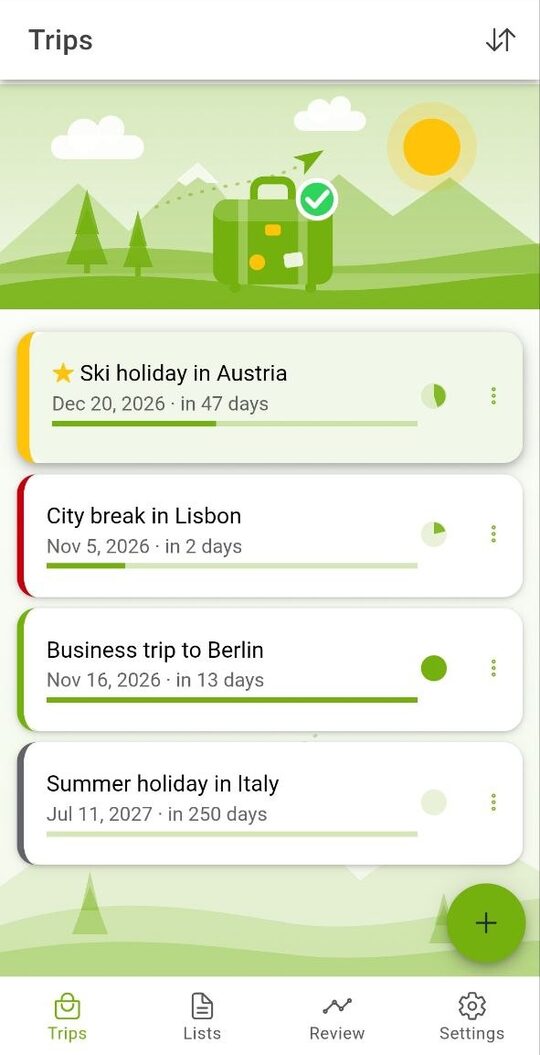
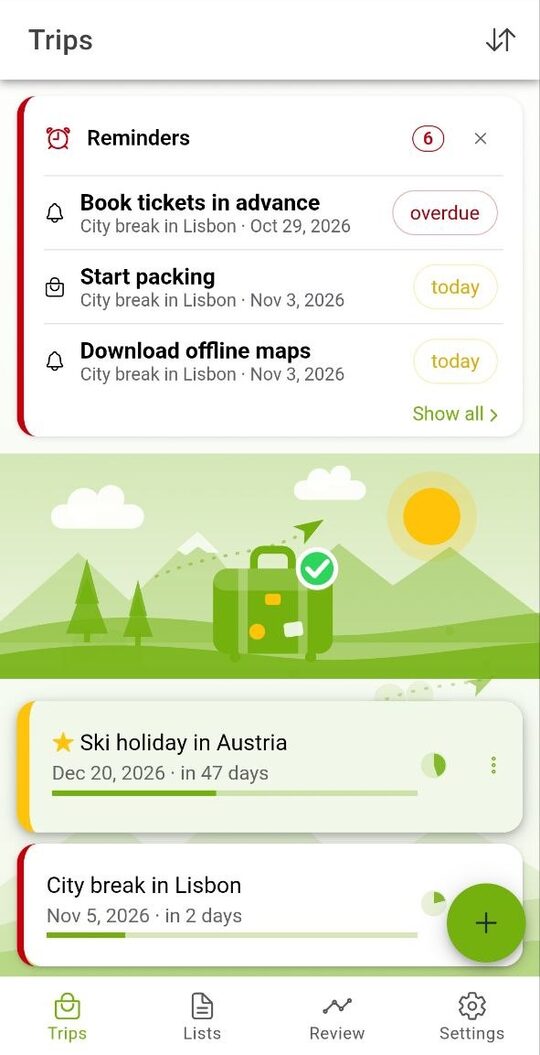
In Quiravel you can create tasks next to the packing lines, each with a deadline before departure (“two days before: take out the trash”). The app shows what is due on the start screen and can remind you with a notification. And because everything sits together in one trip, you have the overview right away.
How it works with Quiravel
Create tasks
Note what has to be done before leaving: windows, trash, plants, check-in.
Set a deadline
Every task gets a deadline relative to departure, for example one day before.
Get reminded
A notification arrives on request. The reminder card shows what is due.
What it looks like
Tips for relaxed packing
Save tasks in templates
Create the home checklist once in the template and every trip brings it along.
Use the shopping list
What you still need to buy before the trip is in the shopping list with store and date. Packed counts as bought.
Back up before leaving
Make a backup before the trip. A reminder helps you do this regularly.
Review afterwards
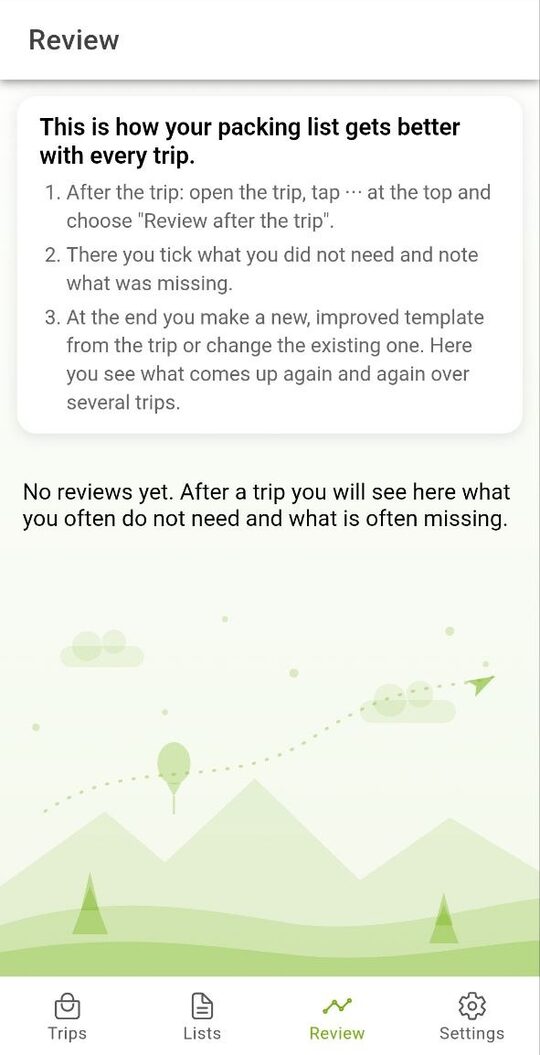
What did you forget this time? In the review it ends up in the template for next time.
Frequently asked questions
Do the reminders work without internet?
Yes. The app schedules notifications locally on your device.
Do I have to allow notifications?
No, it is optional. Without permission the reminder card still shows what is due.
Can I keep tasks in my template?
Yes. Tasks live in the template and come with every new trip.
What if I move the trip date?
Deadlines relate to departure and follow the new date.
Free, offline, no account
- Free to install, no ads.
- No account, no sign-up, no tracking.
- All data stays on your device; the app does not request the internet permission.
- Backup and restore as a file, share your packing list as text or PDF.
- Light and dark, in German, English and French.