Where is that cable? Sort out the cable mess and find it fast
HDMI, USB-C, power adapter, audio jack or that one special cable for the camera: Fundfach knows which drawer it is in.
The cable box everyone has
Somewhere there is that one box or drawer full of cables. When you need a specific one – the power adapter for the hard drive, the long HDMI cable, the adapter for the old monitor – the untangling starts. And often the cable you want is somewhere else entirely.
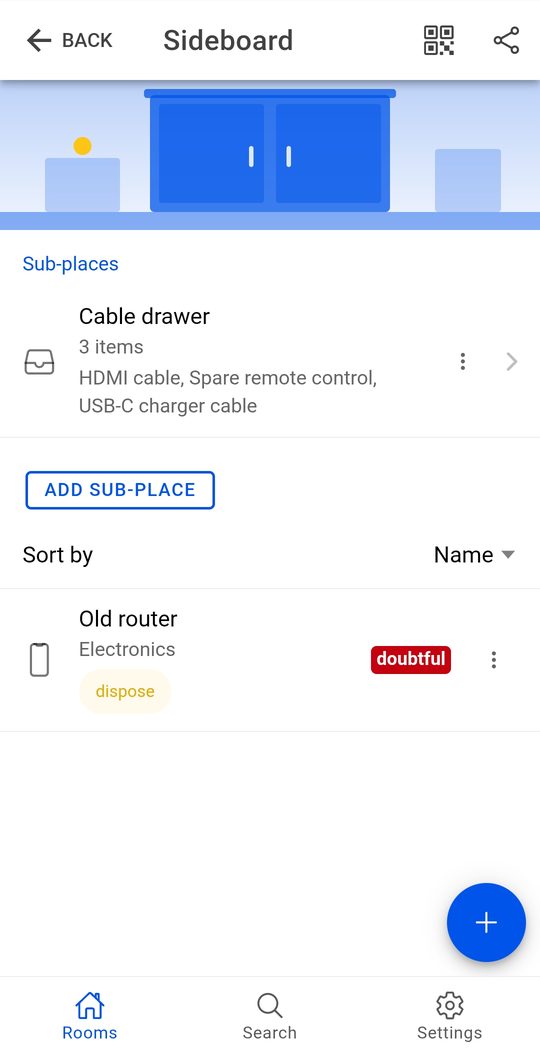
With Fundfach you add your cable drawer, the cable box in the cellar or the compartment in the sideboard as a place and note the cables one by one: with type, quantity, a short description and a photo. The search forgives typos and shows you the path: living room › sideboard › cable drawer.
How it works with Fundfach
Add cable places
A drawer, a box or a bag: add every place where cables live, also as a sub-place inside a cupboard.
Note the cables
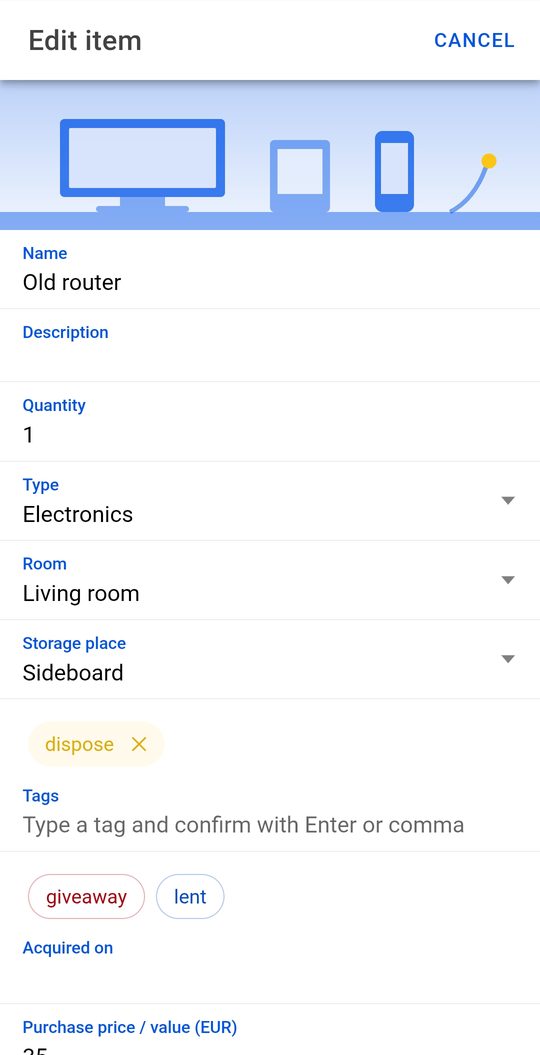
Add the cables with the type “Electronics” or your own type such as “Cable”. The description says what they are for.
Search instead of untangling
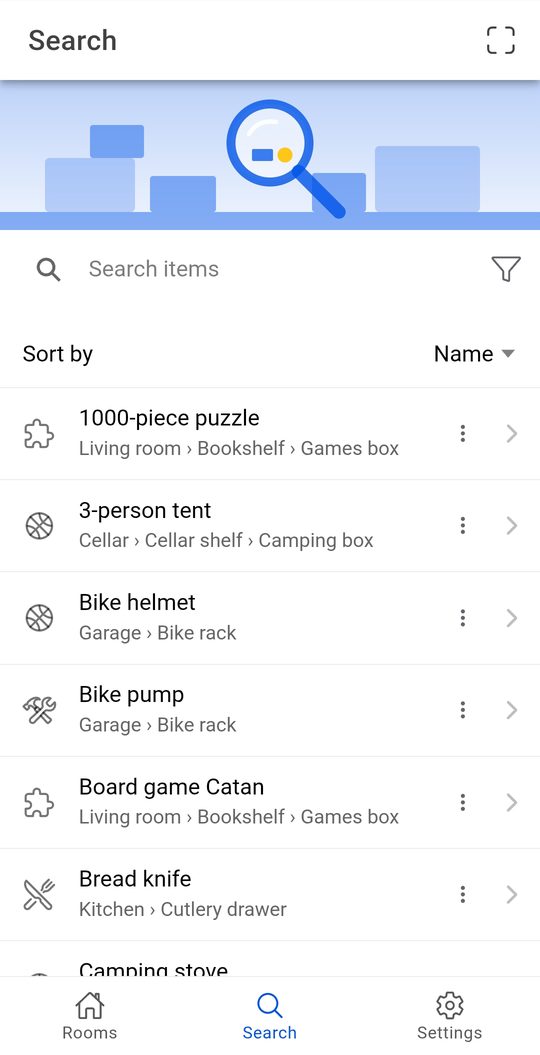
Type “hdmi” or “charger” – Fundfach shows every matching cable with its place.
What it looks like
Tips against cable chaos
What is it for?
Write in the description which device a cable or adapter belongs to, such as “hard drive adapter, 12 V”.
Photo of the plug
A photo of the plugs tells apart cables that look the same at first glance.
Keep the quantity
Three identical USB-C cables? One entry with quantity 3 is enough.
Sort out with a tag
Cables for devices that are long gone get the tag “dispose”. The search collects them for the next trip to the recycling centre.
Frequently asked questions
Do I have to add every cable separately?
No. Add identical cables once with the quantity. Duplicate an entry to add similar cables quickly.
Does the search find “HDMI” if I type “hdim”?
Yes. Fundfach’s search tolerates typos and looks through names and descriptions.
Can I filter for cables?
Yes. Create your own type “Cable” or use a tag. The search filters by types and tags.
Does the app need internet?
No. Fundfach works completely offline, with no account and no ads.
Free, offline, no account
- Free and without ads.
- No account, no sign-up, no tracking.
- All data stays on your device; the app does not request internet permission.
- Backup as a ZIP file and export as CSV, for example for Excel.
- In English, German and seven more languages, following your system language.