Organize your cellar, attic and garage – no more box hunting
Where are the Christmas decorations, where is the tent? Fundfach shows you in seconds which shelf and which box they are in.
Storage that turns into a search
Cellar, attic and garage are handy: everything you don’t need every day disappears into boxes there. That is exactly the problem. Once a year you look for the Christmas decorations, in summer for the camping gear – and every time it means opening every box.
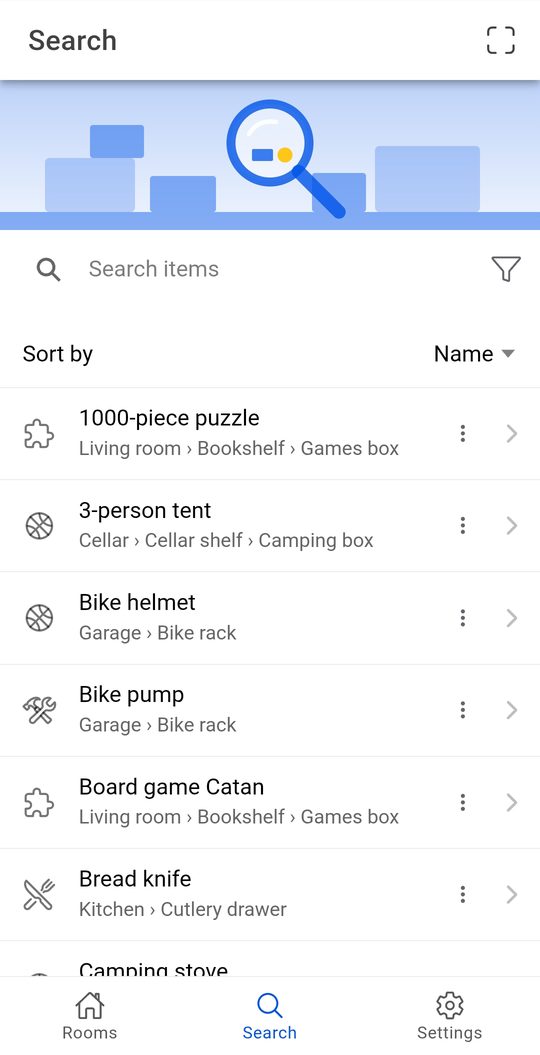
With Fundfach you add your cellar, attic or garage as rooms, with shelves and boxes inside, nested as deep as you like. For every box you print a QR label. When you look for something, type a few letters or scan the box – no more digging.
How it works with Fundfach
Rooms from presets
Cellar, attic, garage, storeroom: pick a preset with a matching icon or give it your own name.
Add shelves and boxes
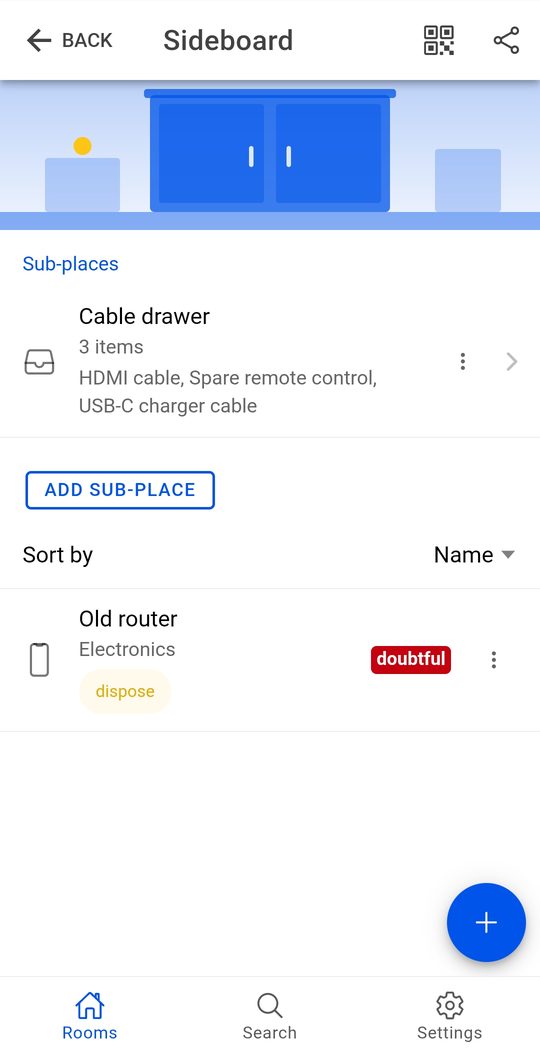
Add shelves and boxes on them, such as “cellar shelf › camping box”. Every box shows how many items are inside – and which ones.
Print a label, scan it later
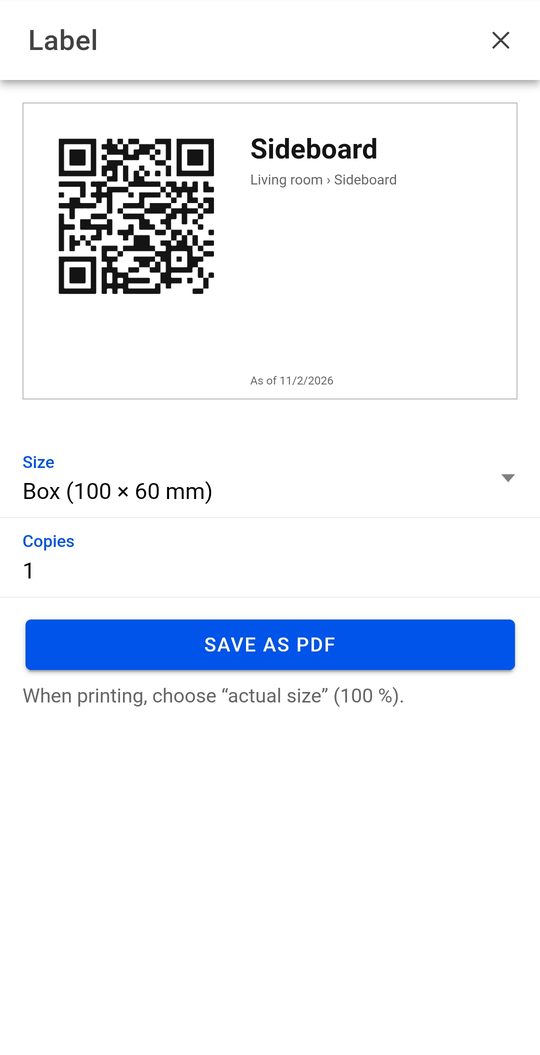
Every box gets its QR label. A scan opens it in the app, even if it sits on the top shelf.
What it looks like
Keep your storage clear
One topic per box
One box per topic (Christmas, camping, tools) keeps the list short and the label clear.
Use photos
A photo of the box contents or the item helps when names are not enough, for example with decorations or spare parts.
Not seen for a while?
Fundfach marks items you haven’t seen for a long time. You know where to check next time you tidy up.
Declutter with tags
Tags such as “give away” or “dispose” collect everything that can go. The search filters by them and shows where it is.
Frequently asked questions
Does the QR scan work in the cellar without reception?
Yes. Fundfach needs no internet and no server. Scanning and searching run directly on your phone, even in the deepest cellar.
Can I put boxes on shelves and shelves in rooms?
Yes. Places can be nested freely: room › shelf › box › bag. You can move whole places with their contents to another room.
How do I keep the list up to date?
When you take something out, move it to its new place in the app. The location history shows where an item used to be.
Can several people in the household use the list?
Yes. Share rooms and places via QR code, file or code. Others import them into their own Fundfach, without any cloud.
Free, offline, no account
- Free and without ads.
- No account, no sign-up, no tracking.
- All data stays on your device; the app does not request internet permission.
- Backup as a ZIP file and export as CSV, for example for Excel.
- In English, German and seven more languages, following your system language.