Who did I lend the drill to?
Fundfach remembers who borrowed what and when it should come back – and reminds you on the return date.
Lent, forgotten, gone
The drill to the neighbour, the tent to a colleague, three books to your sister: lending is nice, remembering it less so. Months later you search the whole house for something that has long been at someone else’s place – or you buy it a second time.
In Fundfach you note for each item who you lent it to and when it should come back. A separate list shows everything that is currently out. On the return date the app reminds you, with a notification if you like.
How it works with Fundfach
Open the item
Pick the item you are lending. If it is not in Fundfach yet, add it in a few seconds.
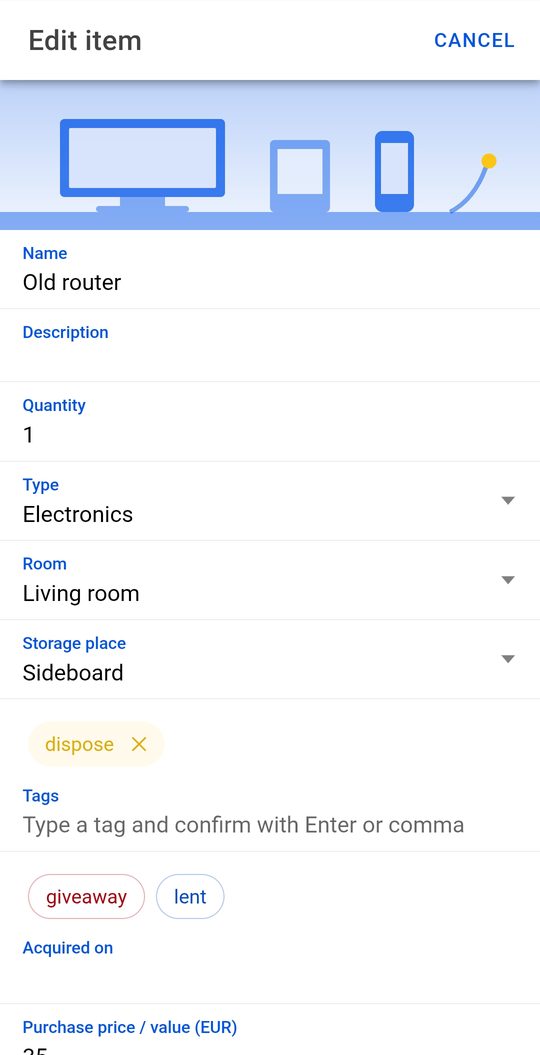
Fill in “lent to”
Note the name and the return date. The item keeps its usual place, so it goes back there once it is returned.
Get reminded
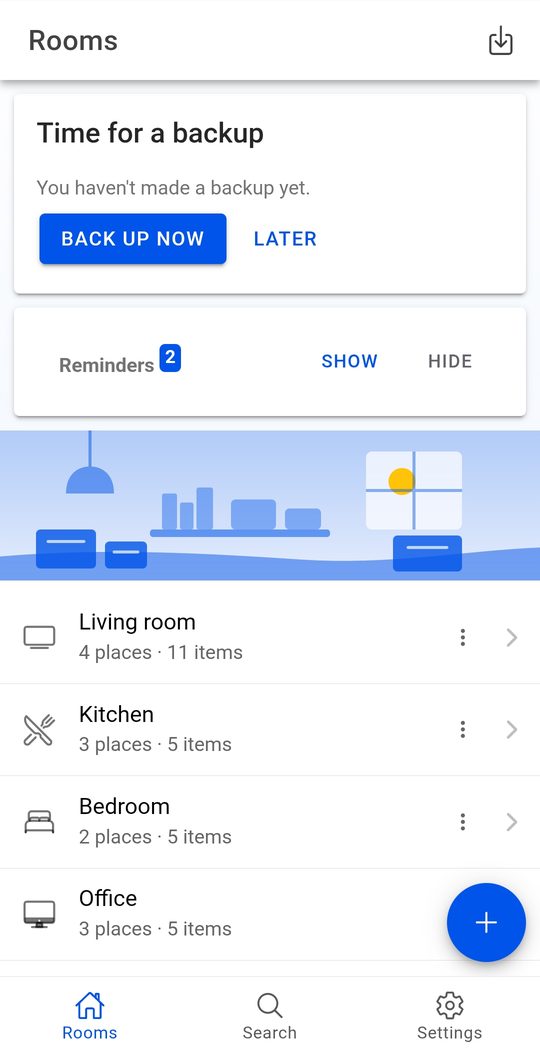
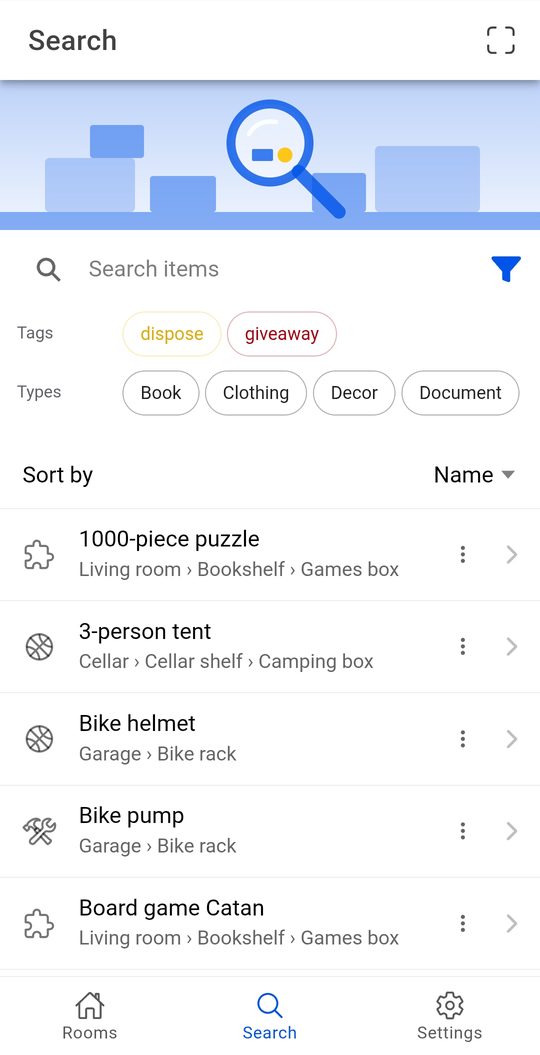
The list of lent items shows everything at a glance. On the return date a reminder appears.
What it looks like
Tips for lending
Right when you hand it over
Add it while the person is still standing there. Ten seconds now save a lot of head-scratching later.
Set a return date
Even a rough date helps: the reminder pops up and you can ask kindly.
Photo of the condition
A photo before lending shows what the item looked like, for example with tools or books.
Note borrowed things too
Add things you borrowed with a tag such as “borrowed from”. That way you return them in time.
Frequently asked questions
Do I get a notification on the return date?
Yes, if you want. Due reminders always show up in the app; you switch on the notification per reminder. It is scheduled on the device, without a server.
Does the borrower find out about it?
No. Fundfach sends nothing. Name and date stay on your phone.
Can I see everything that is lent out right now?
Yes. A separate list shows all lent items with name and return date.
What happens when the item comes back?
Remove the “lent to” entry. The item stays in its usual place in the list.
Free, offline, no account
- Free and without ads.
- No account, no sign-up, no tracking.
- All data stays on your device; the app does not request internet permission.
- Backup as a ZIP file and export as CSV, for example for Excel.
- In English, German and seven more languages, following your system language.