Offline – and still easy to share
No cloud, no account: in Fundfach you share a room or a box by QR code from phone to phone, or as a file by email – even to your own spare phone.
“Offline? Then I can’t share anything.”
Fundfach keeps everything on your phone only. That is good for your privacy – and at first it sounds as if everyone in the household has to keep their own list. Who knows what is in the cellar when you are not around?
The answer: sharing still works, just directly instead of through a server. You share a whole room or a single place with all the items in it. If the other person is next to you, simply show a QR code that they scan with their Fundfach. If they are somewhere else, send a file or a code by email or messenger. Fundfach itself does not connect to any server.
How it works with Fundfach
Open a room or place
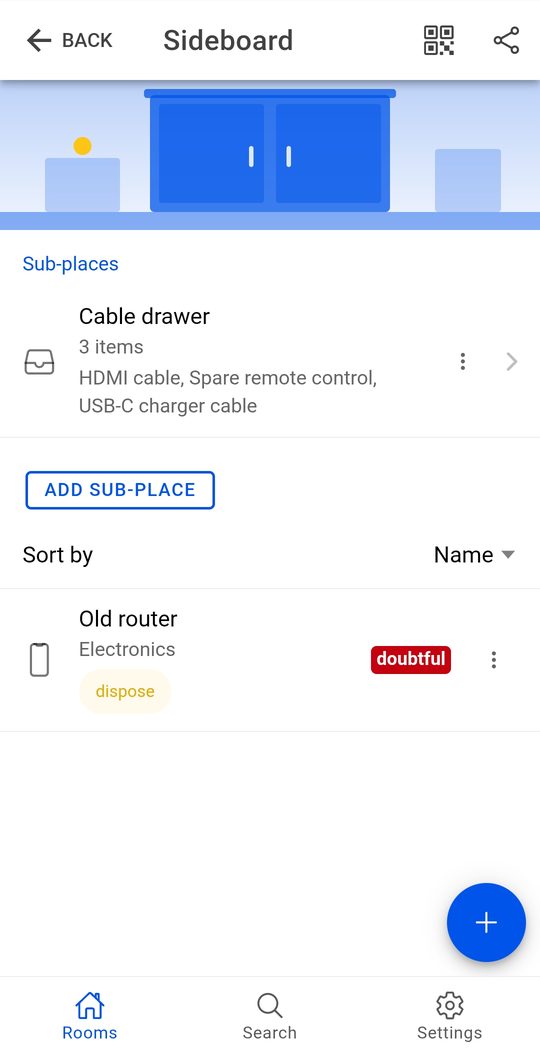
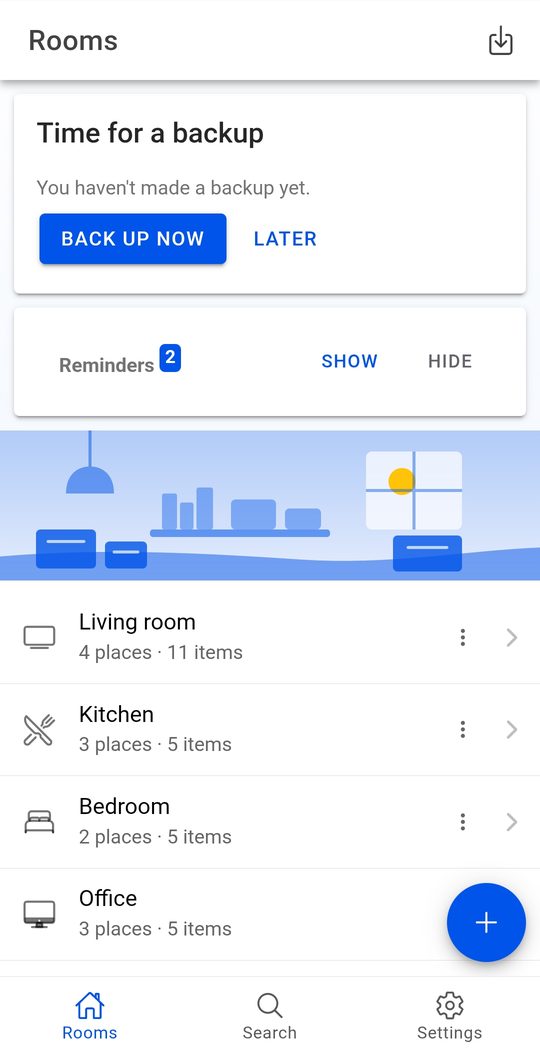
Choose what to share: the whole cellar, one shelf or just the box with the camping gear – always with its contents.
Pick a way
“Show as QR code” for someone next to you, “Share as file” for email and messengers, or “Share as code” to paste into any message.
Import on the other phone
In Fundfach tap “Import”, scan the QR code or open the file or code, and pick a room. Done.
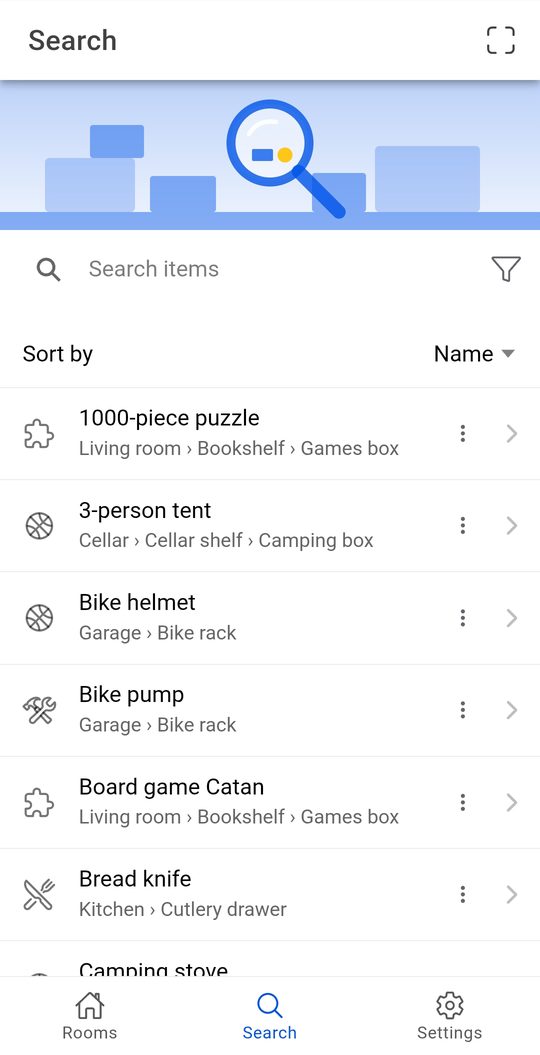
What it looks like
When sharing pays off
To your spare phone
Show a room or storage place as a QR code on your main phone and scan it with your spare or second phone – and the list is there too.
Family and partner
Share the cellar or the garage so everyone in the household can check where things are.
Flatmates
A shared storeroom or pantry shelf: everyone has the list on their own phone.
Moving helpers
Send your helpers the list of boxes so they know what belongs in which box.
Holiday flat and club house
Guests or club members import the list and see where tools, dishes or games are kept.
Frequently asked questions
What if the room is too big for one QR code?
Then Fundfach shows several QR codes one after the other. The other phone scans them all, in any order. Or share as a file or code instead.
Can I share by email?
Yes. “Share as file” opens the Android share menu. Pick your email app, a messenger or any other way you already use.
Are photos sent along?
No. Rooms, places and items are shared with their details, but never photos. That keeps the QR code small, and private pictures stay on your phone.
Do the lists stay in sync afterwards?
No, there is no syncing through a server. Everyone has their own copy. If a lot changes, simply share the room again.
Can I move a room to my spare phone?
Yes, simply by QR code: show the room or storage place as a QR code on one phone, and on the spare phone tap “Import” → “Scan QR code” in Fundfach. To move everything at once, photos included, use the ZIP backup.
Does the other person need an account?
No. They only need Fundfach on their Android phone. The app is free and works without an account or sign-up.
Free, offline, no account
- Free and without ads.
- No account, no sign-up, no tracking.
- All data stays on your device; the app does not request internet permission.
- Backup as a ZIP file and export as CSV, for example for Excel.
- In English, German and seven more languages, following your system language.