Finally sold – and now I can’t find it
Listed half a year ago, today the buyer gets in touch. With Fundfach you know in seconds which box the thing is in.
When the buyer is already on the way
You listed the old router, the board game or the kids’ jacket online and then put it away so it wasn’t in the way. For months nothing happens. Then suddenly: “Is it still available? I can come by tonight.” And you stand in front of the cellar with no idea which box it is in.
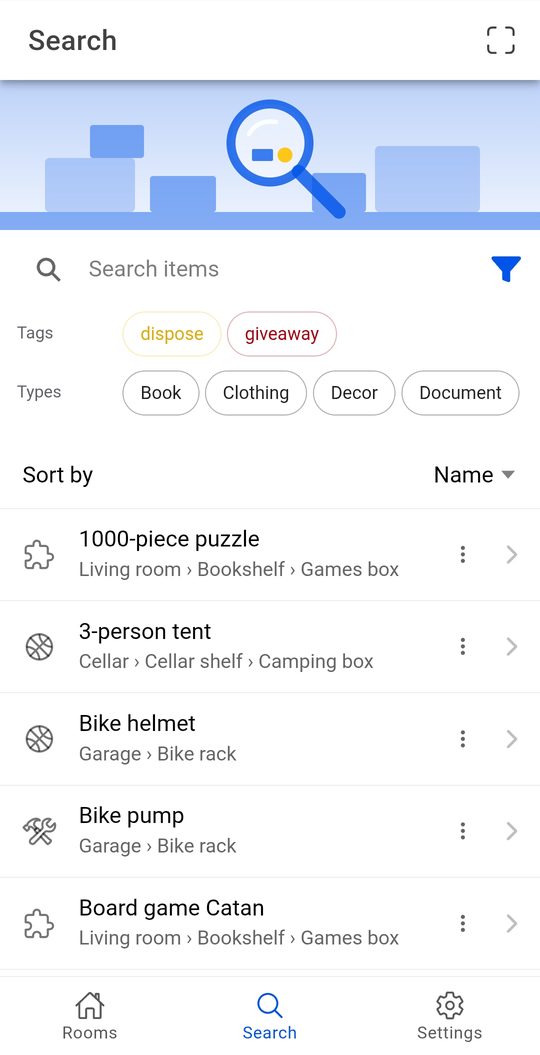
With Fundfach you mark everything that should go with a tag such as “sell”. The item gets its place, a photo if you like, and the search filters everything with that tag in one tap – with the path: cellar › shelf › box. Once it is gone, simply delete the entry.
How it works with Fundfach
Set the tag “sell”
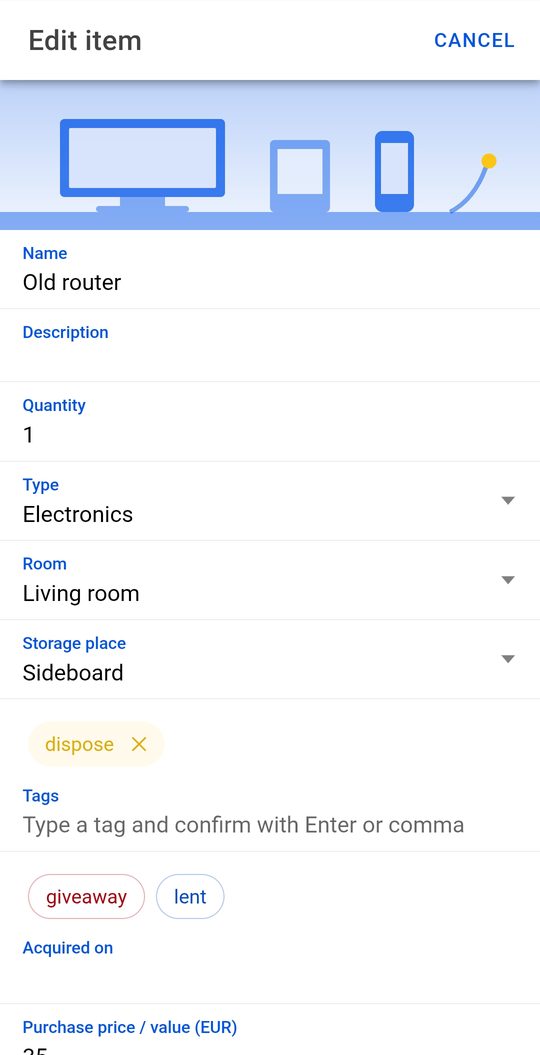
Give everything you want to sell or give away a tag. Tags have colours and are visible right in the list.
Note place and photo
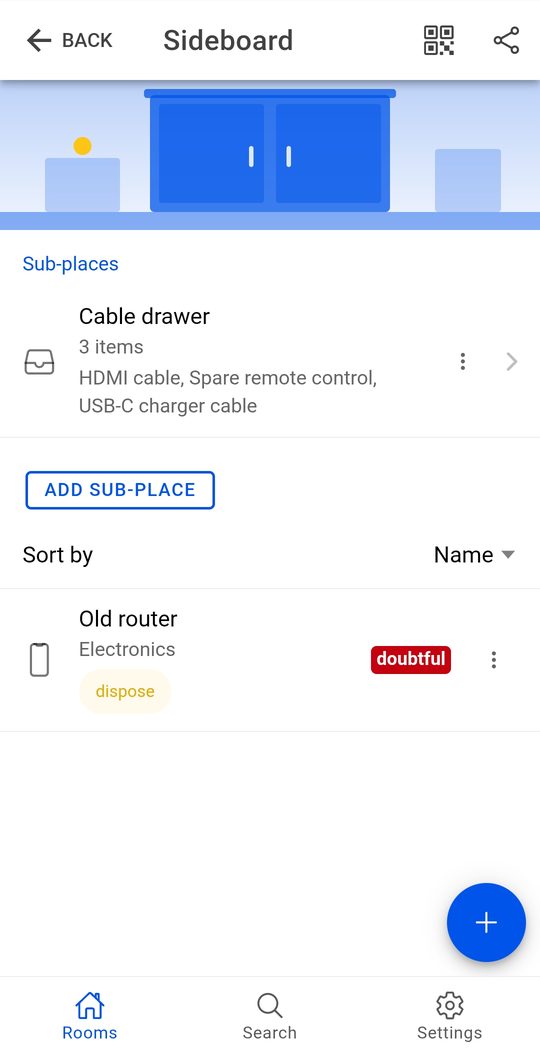
Note where the item stays until it is sold. A photo in the app also helps when you write the listing.
A request? Filter!
With one filter the search shows everything tagged “sell” and its exact place. Sold? Delete the entry.
What it looks like
Tips for decluttering and selling
Your own tags
“sell”, “give away”, “flea market”: create the tags that suit you and give them a colour.
One selling box
Collect listed items in one box with a QR label. Everything is in one place, and Fundfach knows what is inside.
A note on the listing
Write in the description where and when you listed it. Later you know which listing to take down.
Tidy up after the sale
Once something is sold, delete the entry or remove the tag. That keeps the list up to date.
Frequently asked questions
Can I see all things tagged “sell” at once?
Yes. In the search you pick the tag as a filter and see all matching items with their place.
Do I need an account with a selling platform?
No. Fundfach is independent of selling platforms and connects to no server. Use the platform of your choice as usual.
Does this work for things I want to give away?
Yes. You can create as many tags as you like, such as “give away” or “flea market”, and filter by each of them in the search.
Does Fundfach cost anything?
No. Fundfach is free, with no ads and no account.
Free, offline, no account
- Free and without ads.
- No account, no sign-up, no tracking.
- All data stays on your device; the app does not request internet permission.
- Backup as a ZIP file and export as CSV, for example for Excel.
- In English, German and seven more languages, following your system language.