Label your moving boxes – and find everything after the move
A QR code on every box, the contents on your phone: with Fundfach you still know weeks after the move which box holds the kettle.
Everyone knows the problem
While packing, everything is clear. Three days after the move there are thirty boxes in the hallway, every one of them says “kitchen” – and the drill, the chargers and the spare bedding are somewhere in between. Marker labels are too vague, paper packing lists get lost.
Fundfach is a home inventory app for Android that prevents exactly this mess: add every box as a place, note what goes in while you pack and stick a QR label on it. After the move you scan the box or simply search for the item – and see right away where it is.
How it works with Fundfach
Add the box
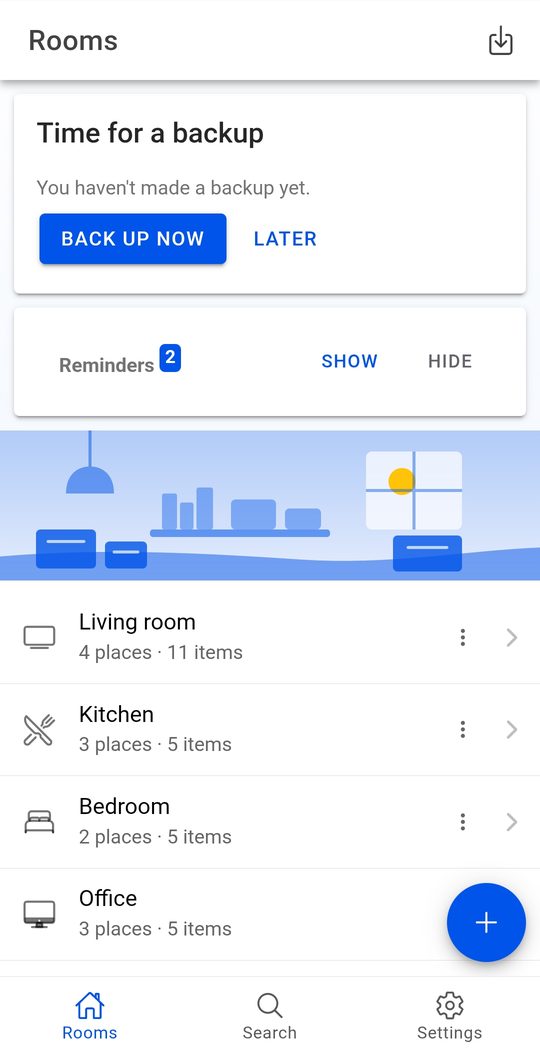
Create a place for each moving box, for example “Box 7 – kitchen”. Boxes can sit in a room or inside other places.
Note it while packing
Add what goes into the box. Adding several items in a row makes this quick, with quantity and photo if you like.
Stick on the QR label
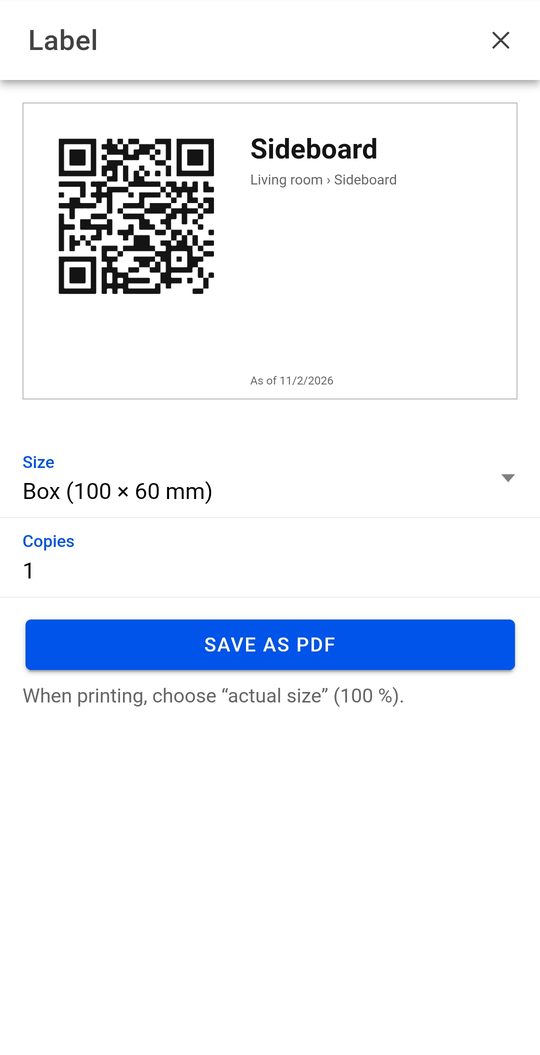
Save the label as a PDF, print it and stick it on the box. Later a scan shows what is inside.
What it looks like
Tips for a relaxed move
Number your boxes
Put a number in each box name. Label, app and the stack in the hallway then always match.
Think of the target room
Create the box right in the room of the new home where it belongs. After unpacking, move the items to their permanent spot.
Mark what matters
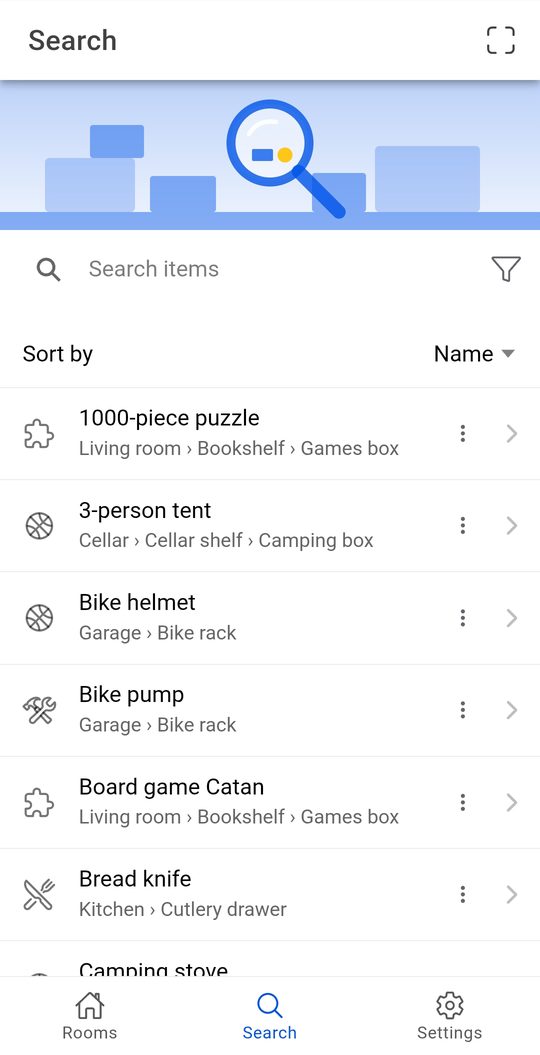
A tag such as “unpack first” shows you all boxes with things for the first night in the search: tools, chargers, towels.
Back up first
Create a ZIP backup before moving day. If your phone gets dropped in the chaos, your lists are not lost.
Frequently asked questions
Do I need a special printer for the QR labels?
No. Fundfach saves the label as a PDF that you can print on any ordinary printer. Choose “actual size” (100 %) when printing so the format is right.
Can I print a label several times, for each side of the box?
Yes. Just set the number of copies and you get several identical labels for the same box.
Does it work without internet in the new home?
Yes. Fundfach works completely offline. Even before the Wi-Fi is set up in your new place, you can find everything.
Can I share the list with my partner or family?
Yes. Rooms and places can be shared via QR code, file or code. Others import them into their own Fundfach, without any cloud.
Free, offline, no account
- Free and without ads.
- No account, no sign-up, no tracking.
- All data stays on your device; the app does not request internet permission.
- Backup as a ZIP file and export as CSV, for example for Excel.
- In English, German and seven more languages, following your system language.